




| Summary: |
|---|
| AI Integration is in huge demand. It is helping businesses automate tasks, enhance support services, and analyze data for business decisions. Amid the many AI integration tools on the market, we offer a guide to help you find the best AI solution for your business. From top AI models to GenAI Solutions, let’s find the right AI tools for your business in 2026. |
Every enterprise software stack now faces the same question: which AI integration platform actually fits the way your business runs? With dozens of vendors promising ‘seamless AI integration,’ picking the wrong one can mean months of rework, unpredictable ai development cost spikes, or a model that simply doesn’t talk to your existing systems.
This guide breaks down what AI integration actually means, compares the ten platforms enterprise teams rely on most in 2026, and walks through exactly how to choose the right one for your stack whether you’re integrating AI into a customer-facing web app, an internal workflow, or a full enterprise data pipeline.
What Is AI Integration?
AI integration is the process of connecting artificial intelligence models, APIs, and tools into existing software systems, business workflows, and applications. By utilizing professional AI integration as services, organizations can automate tasks, generate insights, or power new features without requiring a business to rebuild its infrastructure from scratch
In practical terms, AI integration covers everything from plugging a large language model into a customer support ticketing system, to connecting a computer vision API into a retail inventory app, to wiring up a no-code automation platform so a sales CRM can auto-generate follow-up emails.
The “integration” part is the key distinction from simply “using AI.” A standalone chatbot tool is AI. A chatbot that pulls live data from your CRM, writes to your support ticketing system, and triggers a Slack alert when escalation is needed that’s AI integration.
For most enterprises, AI integration platforms solve three core problems:
- Connectivity: bridging AI models (OpenAI, Anthropic, Google, open-source LLMs) with the dozens of SaaS tools, databases, and legacy systems a business already runs on.
- Orchestration: managing how data flows between systems, when AI gets triggered, and what happens to the output (a database write, a notification, a generated document).
- Governance: ensuring AI integration meets security, compliance, and cost-control requirements, especially important for regulated industries like healthcare, finance, and government contracting.
Why does this matter for search and for your team? Because “AI integration” as a search term has grown rapidly it’s now a $9+ CPC keyword with rising commercial intent, meaning the people searching it are actively evaluating vendors, not just researching definitions.
That tells you something important: by mid-2026, AI integration has moved from an R&D conversation to a budgeted line item. Businesses aren’t asking “should we use AI?” anymore. They’re asking “which platform should we integrate it through, and how fast can we get it live?”
The shift toward AI integration over standalone AI tools also reflects a broader maturity curve in how businesses adopt new technology. Five years ago, “using AI” largely meant experimenting with a chatbot interface in isolation. Today, organizations increasingly rely on specialized AI development companies to embed these capabilities right where the work already happens.
Today, the expectation has changed. Decision-makers want AI embedded where the work already happens: inside the CRM a sales rep uses every day, inside the ticketing system a support agent already has open, inside the codebase a development team is already shipping.
That shift from “AI as a separate tool” to “AI as an embedded capability” is exactly what integration platforms are built to deliver, and it’s why evaluating the right platform has become a board-level conversation rather than a side project for one enthusiastic team member.
There are generally two paths into AI integration:
- Low-code/no-code platforms (Zapier AI, Make.com, Workato): fastest to deploy, ideal for connecting existing SaaS tools without engineering resources.
- Enterprise AI/ML platforms (IBM Watson, Azure AI, Google Vertex AI, AWS SageMaker): built for custom model deployment, large-scale data pipelines, and organizations with dedicated engineering or data science teams.
Most growing companies end up using a mix of both: a low-code tool for quick automations, and an enterprise platform for anything customer-facing or compliance-sensitive. The comparison below breaks down where each platform fits.
Common AI Integration Use Cases
Before comparing specific platforms, it helps to ground the decision in what businesses are actually using AI integration for in 2026. The vast majority of enterprise AI integration projects fall into a handful of recurring categories:
- Customer support automation: routing tickets, deploying different types of AI voice agents for handling inbound calls, drafting suggested replies, summarizing long conversation threads, and escalating high-priority cases to human agents automatically.
- Sales and CRM enrichment: auto-generating follow-up emails, scoring leads based on engagement data, and surfacing account insights pulled from multiple data sources.
- Content and marketing operations: generating first-draft copy, repurposing long-form content into social formats, and tagging or categorizing large content libraries.
- Document processing: extracting structured data from contracts, invoices, and forms, then routing that data into downstream systems like ERPs or accounting software.
- Internal knowledge search: connecting AI to internal wikis, Slack history, and shared drives so employees can ask natural-language questions instead of searching manually.
- Fraud detection and risk monitoring: flagging anomalous transactions or behavior patterns in real time, common in fintech and e-commerce integrations.
- Personalization and recommendations: powering product recommendations, dynamic pricing, and tailored on-site experiences based on user behavior.
Each of these use cases maps differently onto the platforms compared below. A support automation use case, for example, is often solved well by a no-code platform like Zapier or Workato connecting an LLM to a help desk tool, or by deploying an intelligent AI voice agent to automate phone-based customer interactions.
A fraud detection use case, by contrast, usually requires a custom model trained on proprietary transaction data something only the enterprise ML platforms (Vertex AI, SageMaker, watsonx) are built to handle well. Identifying which category your project falls into before evaluating vendors will save significant time in the selection process.
Ready to Integrate AI into Your Business Operations?
Our team specializes in building scalable AI solutions that improve efficiency, enhance customer experiences, and drive long-term business growth.
Talk to AI Experts
Top 10 AI Integration Platforms Compared (2026)
| Platform | Best For | Key Strength | Pricing Model | Enterprise Ready |
|---|---|---|---|---|
| IBM Watson / watsonx | Regulated industries (healthcare, finance) | Strong governance & explainability tools | Custom/enterprise quote | Yes |
| Microsoft Azure AI | Organizations already on Microsoft stack | Deep Office 365 & Dynamics integration | Pay-as-you-go + reserved tiers | Yes |
| Google Vertex AI | Data-heavy teams, custom ML models | Best-in-class model training & MLOps tools | Usage-based pricing | Yes |
| AWS SageMaker | Large-scale, custom AI/ML deployment | Massive infrastructure scalability | Usage-based, pay-per-instance | Yes |
| Salesforce Einstein | Sales & customer service teams | Native CRM data integration | Bundled with Salesforce licenses | Yes |
| Zapier AI | Small-to-mid-size teams, no-code automation | 7,000+ app connectors, fastest setup | Tiered subscription (free tier available) | Mid-market |
| Make.com | Visual workflow builders, technical non-developers | Highly flexible visual automation logic | Tiered subscription, operation-based | Mid-market |
| Workato | Mid-to-large enterprises needing iPaaS + AI | Strong enterprise iPaaS + recipe library | Custom enterprise pricing | Yes |
| UiPath AI | RPA-heavy organizations | Combines robotic process automation with AI agents | Custom enterprise pricing | Yes |
| Boomi | Complex, multi-system enterprise integration | Mature integration platform with AI layer added | Subscription, tiered by volume | Yes |
A few patterns worth noting from this comparison: the hyperscalers (Azure, Google, AWS) dominate when you need to train or fine-tune your own models at scale, modern AI voice platforms lead the way for conversational audio deployment, while the automation-first platforms (Zapier, Make, Workato) win when the goal is connecting AI to tools you already use without writing code.
IBM Watson and Salesforce Einstein sit in a useful middle ground strong for specific verticals (healthcare/regulated industries for Watson, sales/CX for Einstein) where pre-built compliance and CRM-native data access matter more than raw model flexibility.
1. IBM Watson / watsonx
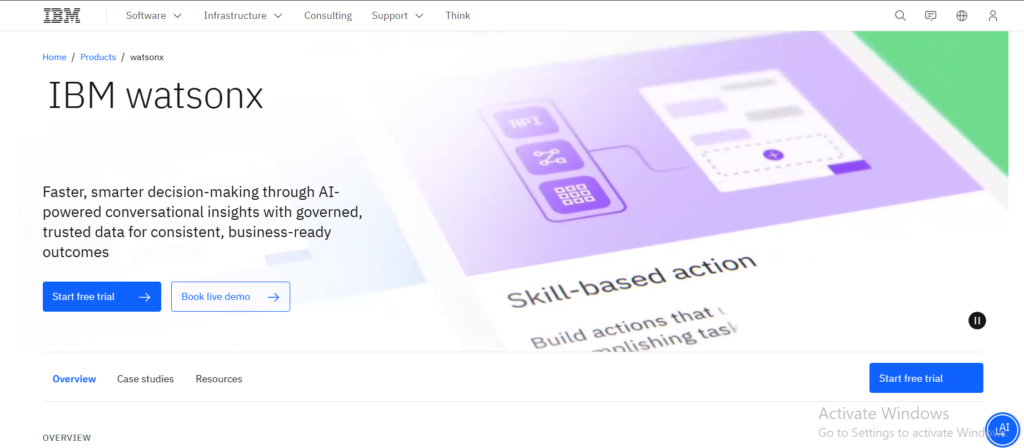
IBM’s watsonx platform remains a go-to for enterprises in healthcare, finance, and government where explainability and audit trails on AI decisions are non-negotiable. It offers strong tools for model governance, bias detection, and lineage tracking features that matter more in regulated environments than raw model performance. The tradeoff is cost and complexity: watsonx generally requires a larger implementation budget and IT involvement than the no-code alternatives.
2. Microsoft Azure AI
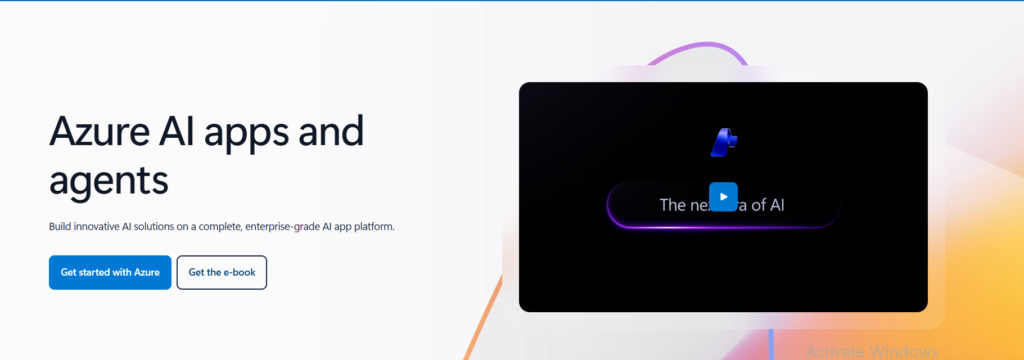
For organizations already running on Microsoft 365, Dynamics, or Azure infrastructure, Azure AI is often the path of least resistance. It connects natively into Teams, SharePoint, and Power Platform, and Microsoft has invested heavily in embedding generative AI (via its OpenAI partnership) directly into everyday business tools like Excel and Outlook. This makes Azure AI a strong choice for businesses that want AI integration to feel like a natural extension of tools employees already use daily.
3. Google Vertex AI
Vertex AI is built for teams that want to train, fine-tune, and deploy custom machine learning models not just call a pre-built API. It’s a strong fit for businesses with in-house data science talent who need MLOps tooling, model versioning, and access to Google’s Gemini model family alongside open-source options. Vertex AI is less beginner-friendly than no-code platforms, but it offers more control over model behavior and data handling.
4. AWS SageMaker
SageMaker is the infrastructure-first choice for businesses already running on AWS that need to scale AI workloads across massive datasets. It’s particularly strong for companies building proprietary models rather than relying solely on third-party APIs. The learning curve is steep, and it generally requires dedicated ML engineering resources to get full value.
5. Salesforce Einstein
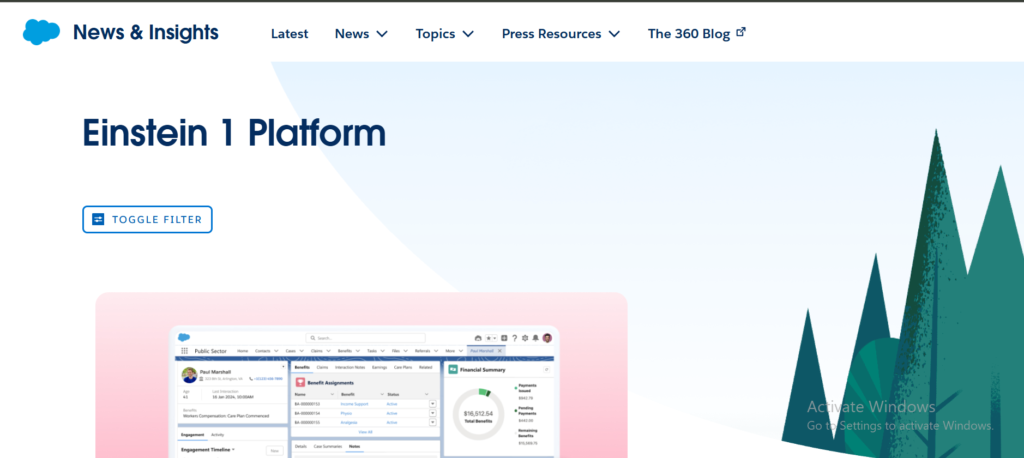
If your AI integration use case centers on sales, customer service, or marketing automation, Einstein’s biggest advantage is that it already has your CRM data. Rather than building custom pipelines to feed customer data into an AI model, Einstein works directly within Salesforce’s existing data structure useful for predictive lead scoring, case routing, and generative email drafting inside the CRM itself.
6. Zapier AI
Zapier remains the fastest on-ramp to AI integration for small and mid-size businesses. With thousands of pre-built app connectors, teams can wire an AI step (summarization, classification, content generation) into an existing workflow like auto-tagging support tickets or drafting CRM follow-ups in hours rather than weeks. The limitation is depth: Zapier is excellent for connecting tools, less suited for complex data transformation or custom model training.
7. Make.com
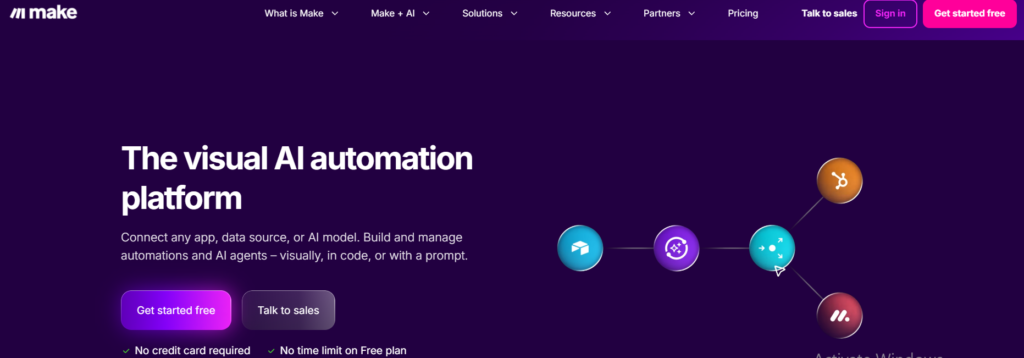
Make.com (formerly Integromat) offers a more visual, flexible automation builder than Zapier, appealing to technically inclined non-developers who want finer control over branching logic and data mapping. It’s a strong middle ground between no-code simplicity and the flexibility power users want, including direct API integrations with multiple AI providers in a single scenario.
8. Workato
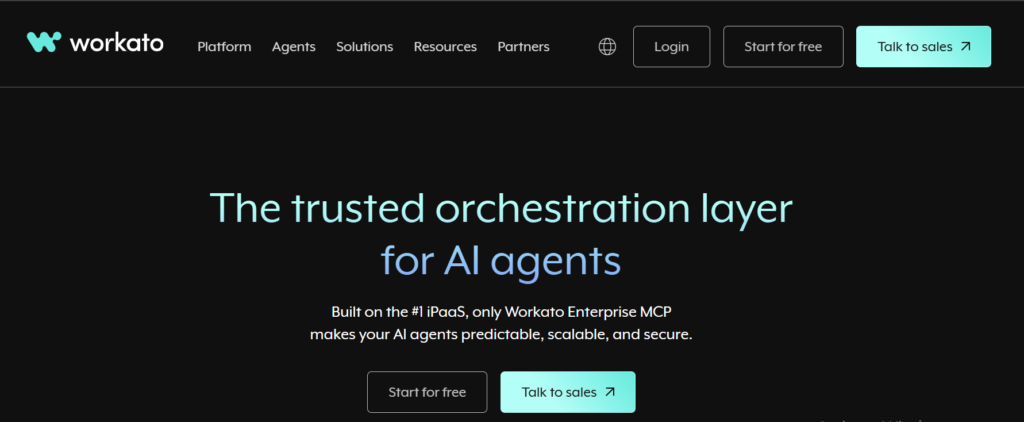
Workato positions itself as enterprise-grade integration-platform-as-a-service (iPaaS) with AI capabilities layered in. It’s built for organizations that need to connect many systems ERP, HR, finance, CRM at scale, with AI used to enrich or automate the data flowing between them. Workato is a common choice for companies that have outgrown Zapier but aren’t ready for a full custom build on AWS or Azure.
9. UiPath AI
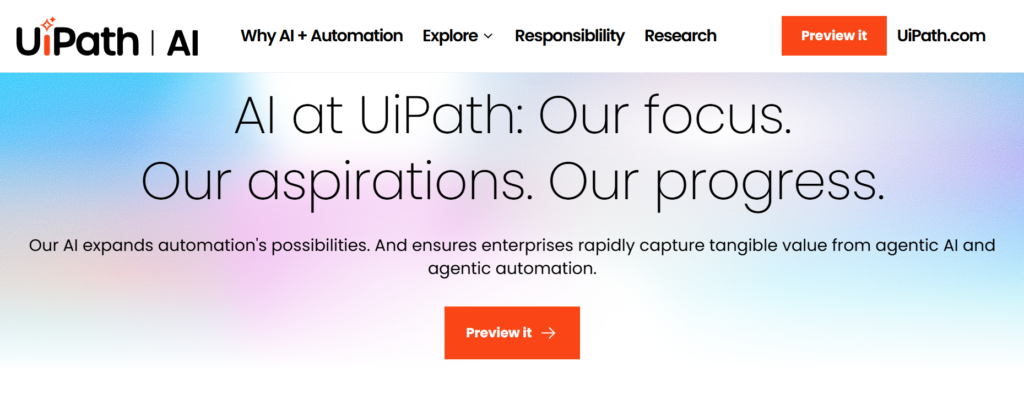
UiPath built its reputation on robotic process automation (RPA), and its AI integration layer extends that into intelligent document processing, AI-powered decision agents, and automation of judgment-based tasks that traditional RPA couldn’t handle. It’s a natural fit for organizations with existing RPA investments looking to extend automation into more cognitive tasks.
10. Boomi
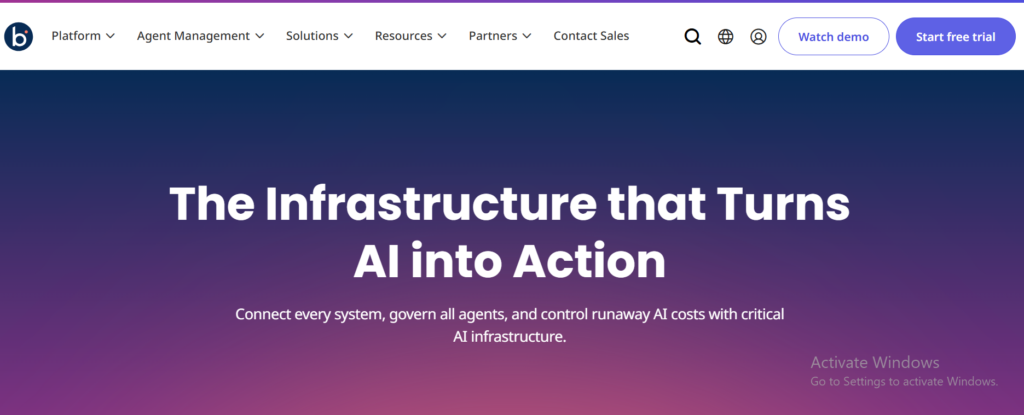
Boomi is a mature integration platform that has added AI capabilities on top of its existing strength: connecting complex, multi-system enterprise environments. For businesses with a tangle of legacy systems, cloud apps, and on-prem databases, Boomi’s AI layer can help automate data mapping and anomaly detection across that complexity though it’s generally deployed by IT teams rather than business users.
How to Choose an AI Integration Platform: 5 Key Criteria
Choosing the right AI integration platform comes down to weighing five factors against your team’s actual constraints budget, technical skill, compliance needs, and the systems you already run.
1. Existing tech stack compatibility. Before evaluating AI capabilities, check connector availability. If your business runs heavily on Microsoft tools, Azure AI will almost always be a smoother integration than Google Vertex AI, regardless of which has marginally better model performance. The same logic applies to Salesforce shops considering Einstein, or AWS-native teams considering SageMaker.
2. Technical resources available. No-code platforms like Zapier and Make.com let non-engineering teams ship AI-powered automations without writing code. Enterprise platforms like Vertex AI, SageMaker, and watsonx require dedicated engineering support. Be honest about whether you have the internal capacity, or if you need to bring on experienced AI voice developers, before committing to a platform that assumes deep technical skills.
3. Compliance and data governance requirements. Healthcare, finance, and government organizations need platforms with strong audit trails, data residency controls, and explainability features. IBM watsonx and the major hyperscalers (Azure, AWS, Google) generally offer the most mature compliance tooling, while smaller automation platforms may lag here important if you’re subject to HIPAA, SOC 2, or similar frameworks.
4. Scalability and pricing model. Usage-based pricing (common with AWS, Google, Azure) can scale cost-efficiently for variable workloads but creates less predictable bills. Subscription-tiered pricing (Zapier, Make.com) offers predictability but can become expensive as usage grows. Model your expected usage volume before signing a contract, not after.
5. Speed to deployment. If the business need is urgent automating a specific workflow this quarter, not building a long-term AI infrastructure no-code platforms will get you live in days. If the goal is a custom, defensible AI capability built into your core product, expect a multi-month engineering effort regardless of which enterprise platform you choose.
A useful rule of thumb: start with the smallest platform that solves your immediate use case, and only move to a heavier enterprise platform once you’ve validated the AI integration is actually delivering value. Many companies over-invest in complex AI infrastructure before proving out a simpler automation would have solved 80% of the problem.
AI Integration for Web Development
AI integration plays an increasingly central role in modern web development, both on the front end and back end. On customer-facing websites, this typically means embedding AI-powered chat widgets, personalization engines, or search experiences directly into the user interface. On the back end, it means connecting AI APIs into existing application logic handling tasks like content moderation, fraud detection, or automated customer support routing.
For web development teams, the integration approach usually depends on whether the AI feature is customer-facing or internal. Customer-facing features (like an AI search bar or recommendation engine) generally call AI APIs directly from application code, requiring careful attention to latency and response handling so the feature doesn’t slow down the page.
Internal or back-office AI integrations (like auto-categorizing form submissions or summarizing support tickets) can often run through lower-code platforms like Zapier or Workato without touching the production codebase at all.
A growing number of AI coding tools have also changed how web development teams build these integrations in the first place tools that suggest code, generate boilerplate API connections, or flag potential integration issues before deployment. For a deeper look at how AI tools are reshaping the web development process itself, see our guide on AI in Web Development.
Businesses planning a larger AI integration project one that goes beyond connecting a few SaaS tools and instead requires custom model deployment, secure data pipelines, or AI features built directly into a proprietary application typically benefit from working with a dedicated development partner. Our generative AI development services team helps enterprises scope, build, and deploy custom AI integrations beyond what off-the-shelf platforms can support, and businesses looking to scale this work internally can also hire AI developers directly through Albiorix.
Common AI Integration Mistakes to Avoid
Even with the right platform selected, a surprising number of AI integration projects stall or underperform because of a handful of recurring mistakes:
Integrating AI before defining the workflow it’s replacing. Teams often plug an AI model into a process without first mapping out exactly what the current manual workflow looks like, step by step. Without that baseline, it’s nearly impossible to measure whether the integration actually saved time or improved accuracy.
Underestimating data quality requirements. AI integrations are only as good as the data flowing through them. A CRM enrichment integration built on incomplete or duplicate contact records will produce unreliable output no matter how capable the underlying model is. Most failed AI integration projects trace back to a data quality issue rather than a model limitation.
Choosing a platform based on the model, not the workflow. It’s tempting to pick a platform because it offers access to the newest or most capable language model. In practice, the connectors, governance tools, and workflow logic a platform provides usually matter more day-to-day than marginal differences in model quality most major platforms now offer access to comparable frontier models anyway.
Skipping a pilot phase. Rolling out an AI integration org-wide before testing it on a single team or workflow removes the opportunity to catch edge cases, tune prompts, or adjust data mappings before they affect the whole business. A two-to-four-week pilot with a single department is almost always worth the delay.
Ignoring ongoing monitoring and cost controls. Usage-based AI pricing can scale unpredictably, especially with platforms that charge per API call or per token processed. Without monitoring dashboards and usage alerts in place, it’s easy for an integration that looked cheap in testing to become a significant line item once it’s processing production volume.
Conclusion
The right starting point depends less on which platform has the most features and more on matching the platform to the specific workflow you’re trying to improve. Teams with a clear, narrow use case automating one support workflow, enriching one CRM field, summarizing one type of document should start with a no-code platform like Zapier, Make.com, or Workato and expect to be live within days.
Teams planning a larger, custom AI capability… will generally benefit from bringing in a development partner experienced in production AI deployments rather than building entirely in-house from day one.
Whichever path fits your business, the platforms compared in this guide represent where the market has consolidated in 2026: a small number of enterprise-grade options for custom, large-scale AI deployment, and a smaller set of no-code leaders for fast, workflow-level automation. Most growing businesses will use at least one from each category before their AI integration strategy matures further.